

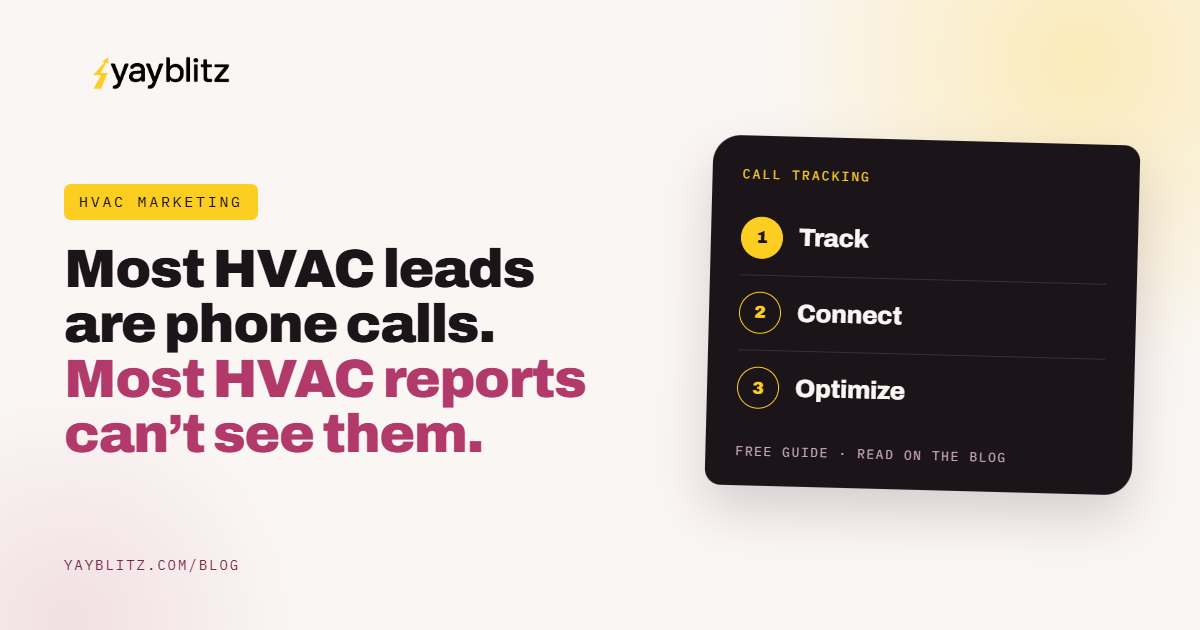
An HVAC owner looks at the agency report: 412 calls last month. Great. How many booked? How many were sales calls? How many came from the new mailer versus Google? Nobody knows.
That blind spot is expensive. Invoca’s research found 27% of calls to home services businesses are not answered. Without call tracking, you can’t see which of those missed calls came from your most expensive channel, or which hours lose the most.
Call tracking fixes the blind spot. This guide covers how it works, how to set it up without hurting local SEO, how to connect calls to booked jobs and revenue in your field service software, how to send results back to Google Ads, and the reports that actually change decisions.
Call tracking assigns phone numbers to marketing sources, records and tags each call, and connects it to the booked job and revenue.
Set it up with dynamic numbers on your website, fixed numbers for offline channels, care on your Google profile, and an integration with your field service software, then report booked jobs and revenue by source weekly.
What Is HVAC Call Tracking?
Software that gives each marketing source its own phone number, records and logs every call, and reports which sources produce calls, booked jobs, and revenue.
Each number forwards to your main line, so the caller and CSR don’t notice anything different. The software logs the source, time, duration, caller number, and a recording, and often a transcript.
Without tracking, most HVAC owners can see form fills in their analytics but not phone calls, which are often the majority of leads. That makes channel decisions guesswork.
How Does Call Tracking Work on Your Website?
Dynamic number insertion swaps the phone number on your site based on how the visitor arrived, so a call from a Google Ads visitor is tagged differently from an organic visitor.
A pool of numbers lets the software tie a call to a specific session, sometimes down to the keyword. Size the pool to your traffic; your provider can recommend how many.
Your main business number stays in the site’s code. Search engines see the real number; visitors see the tracking number.
How Do You Track Offline Marketing?
Give each offline channel its own fixed tracking number: mailers, truck wraps, yard signs, billboards, radio, and print.
Offline channels often look weak because their calls get counted as “direct” or “Google.” A homeowner sees your truck, searches your name, and calls from the website. Fixed numbers catch some of that; asking “How did you hear about us?” catches more.
How Do You Use Call Tracking Without Hurting Local SEO?
Keep your main local number as the primary on your Google Business Profile and listings, and use a tracking number only as described by your provider and Google’s guidelines.
Number consistency helps local search. Our GBP for HVAC guide covers profile setup, and our HVAC SEO guide covers listings.
How Do You Connect Calls to Booked Jobs and Revenue?
Integrate call tracking with your field service software so each call links to a customer record, booked job, and invoice. Then report revenue by source.
Many field service platforms integrate with common call tracking tools. If yours doesn’t, a monthly export matching caller numbers to jobs works as a starting point.
This is what turns call tracking from a call counter into a decision tool. A channel with many calls but few booked jobs looks very different from one with fewer calls and high replacement revenue.
How Should You Tag and Score Calls?
Tag every call by outcome: booked, not booked with reason, missed, or not a lead. Use AI transcription to help, and have CSRs confirm.
These same tags power your booking rate scorecard. Our HVAC booking rate guide explains how to use them.
How Do You Send Call Results Back to Google Ads?
Import booked jobs, and ideally revenue, as offline conversions, so Google’s bidding learns which clicks lead to real work instead of just calls.
By default, Google Ads may count any call over a set length as a conversion. That teaches the system to find more calls, including ones that never book. Importing booked jobs, and revenue where possible, teaches it to find more customers.
Our Google Ads for HVAC guide covers campaign structure. The same approach applies to window treatment dealers in our offline conversion import guide.
Which Reports Actually Change Decisions?
Booked jobs and revenue by source, cost per booked job by channel, answer rate by hour, booking rate by CSR, and missed calls by source.
Review monthly with whoever runs your marketing. Our HVAC cost per lead guide shows how to compare channels on booked jobs, and our agency guide lists what good reporting includes.
What About Call Recording Rules?
Tell callers calls may be recorded, follow your state’s consent rules, and limit who can access recordings.
Recording laws vary by state; some require consent from all parties. A short greeting, “This call may be recorded for quality,” is common practice. Check your state’s rules and your provider’s guidance. This isn’t legal advice.
Recordings include personal information. Limit access to managers and the team members who need them, and set a retention period.
What Are the Most Common Call Tracking Mistakes?
Counting calls instead of jobs, tracking numbers scattered across listings, no offline numbers, no tagging, and not sending results back to Google Ads.
Fix the job connection first. Everything else depends on knowing which calls became work.
A Worked Example: What Tracking Revealed
Using illustrative numbers, here’s how connecting calls to booked jobs might change one company’s budget decisions.
An HVAC company spends on Google Ads, Local Services Ads, a pay-per-lead service, and quarterly direct mail. Before tracking, the owner judged channels by how many calls the agency reported and by gut feel. Direct mail looked weak because almost nobody mentioned it.
The company set up dynamic numbers on the website, fixed numbers on each mailer and the truck wraps, and integrated call tracking with its field service software. CSRs tagged every call by outcome. After three months, the reports told a different story.
Google Ads produced the most calls, but one campaign targeting broad “HVAC” terms brought many calls that never booked. The pay-per-lead service had a low cost per lead but a low booking rate, which made its cost per booked job the highest of any channel. Direct mail produced fewer calls than expected, but those calls booked at a high rate and included several replacements, giving it strong revenue per dollar.
The owner moved budget from the broad campaign and the pay-per-lead service into replacement keywords and an additional mail drop. Booked jobs from Google Ads were imported as offline conversions, so bidding started favoring the clicks that turned into work. Answer rate reports also showed lunch hours losing calls, so the office staggered breaks.
These figures are illustrative, but the pattern is typical. The decisions didn’t come from more data; they came from connecting calls to booked jobs and revenue.
Start small
If a full integration feels like too much, start with dynamic numbers on the website, one number per offline channel, and a required outcome tag on every call. A monthly export matching caller numbers to jobs will answer most of the important questions.
How Do You Choose a Call Tracking Setup?
Pick a provider that integrates with your field service software and Google Ads, offers local numbers and recordings, and supports tagging and reporting you’ll actually use.
Start with integrations. The most useful call tracking connects to the field service software where jobs and invoices live, and to Google Ads for offline conversion import. Without those, you’ll spend hours each month matching spreadsheets.
Next, check numbers and features: local area code numbers, enough numbers for a website pool, recordings and transcripts, required outcome tags for CSRs, and reports by source, hour, and CSR. AI call scoring can help, but CSR confirmation keeps the data accurate.
Then look at cost and ownership. Make sure you own your tracking numbers and data, so they don’t disappear if you change agencies. Many shops lose years of history because tracking was set up under an agency account.
Finally, decide who reviews the reports and when. A monthly meeting with your office manager and whoever runs marketing, looking at cost per booked job and revenue by source, is where tracking pays for itself.
Twenty questions about your call data
Answer yes or no. Every no is a place marketing decisions may be guesswork.
Setup
5 itemsConnection
5 itemsTagging
5 itemsReporting
5 itemsIf several answers are no, start by connecting calls to booked jobs. That's fixable.
Frequently Asked Questions About HVAC Call Tracking
What is call tracking for HVAC?+
Does call tracking hurt local SEO?+
How many calls do home services businesses miss?+
What is dynamic number insertion?+
How do I track direct mail and truck wraps?+
Should I send call data to Google Ads?+
Is it legal to record HVAC calls?+
What reports should HVAC call tracking produce?+
Track Calls All the Way to Revenue.
For most HVAC companies, the phone is where marketing turns into money. Call tracking shows which channels ring the phone, which calls get answered, which book, and which turn into real revenue. That’s what lets you spend with confidence.
Track the source. Tag the outcome. Follow it to revenue.
For related guides, see the HVAC Growth Playbook, HVAC booking rate, and HVAC cost per lead.
Yay Blitz helps HVAC companies connect Graphic and Web Design, Paid Local Advertising, and AI Lead Management into one measurable system for getting and converting leads.
If you can’t tell which marketing books jobs, start with a Free Strategy Assessment. We’ll review your call tracking setup and build reporting around booked jobs and revenue.
 Funnel Strategy
 Graphic & Web Design
 Paid Local Ad
 Social Media Marketing